
Google’s old answer to iPhoto
A comprehensive photography program from Picasa Inc., Picasa serves as a free, efficient tool to manage, organize, and enjoy your digital photos. It offers an intuitive user interface that is designed to navigate your entire photo collection on your Mac quickly.
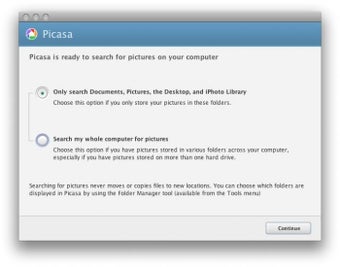
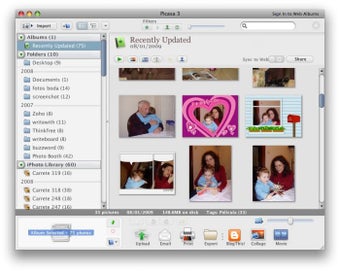
Upon installation, Picasa initiates an immediate search on your hard drive, finding all image and standard camera movie files, without any format restrictions. It then organizes these files chronologically based on their creation date. The software’s proprietary auto-discovery technology can detect when new photos are copied to your Mac or when a camera or card reader is attached, effortlessly adding new photos to its database.
Everything you need to manage your photos
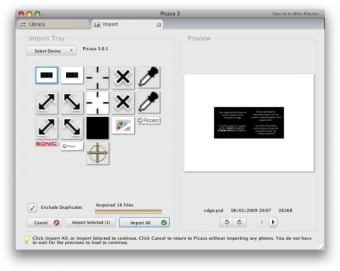
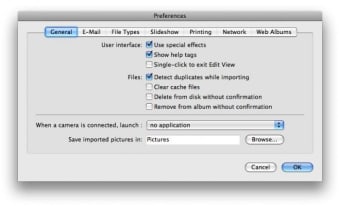
Picasa is an indispensable piece of software for photography fans and functions in several different ways—as a cataloguer and viewer, as an editor, and as a sharing software. With this multimedia app, you can import any photos that are stored on your Mac. It even lets you select the drive and folders to scan and gives you the option of synchronizing automatically each time you open up the software. Enjoy no longer having to import new pictures manually.
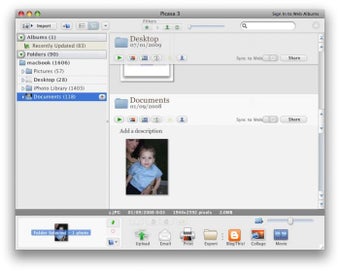
Once your photos have been added to Picasa, they are organized into albums that will appear in folders with the same names from which they were taken. Then, you can reorganize and move photos from one location to another by simply dragging and dropping. The software also lets you add tags to your pictures so that you can sort them easily, including adding the location in which the photos were taken or the people in the photo, so you can easily sort them.
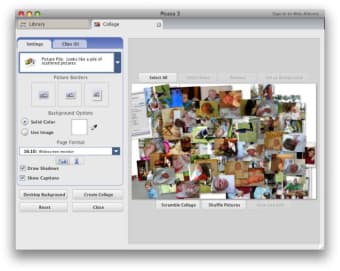
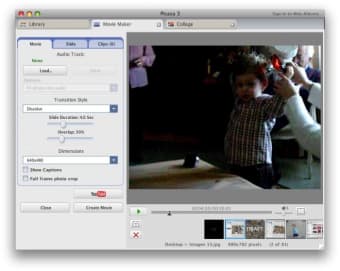
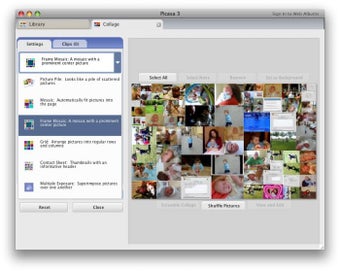
On the other hand, it isn’t a specialized editing software, but it does provide an interesting array of features that you can use to perform basic edits, either image by image, side by side, or in batches. These include cropping, straightening, adjusting color and contrast, enhancing sharpness, red eye correction, and applying filters. You can also use the app to create simple posters, montages, screensavers, and even short movies.
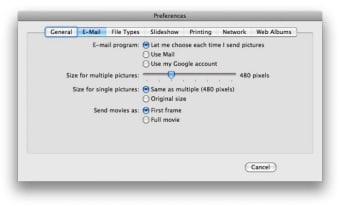
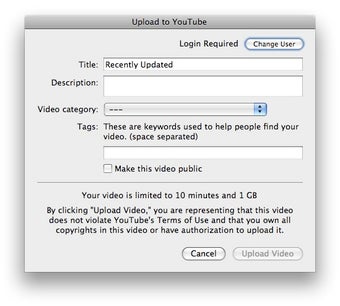
All of your photos—whether tampered with or not—can be viewed through the external app viewer and can be shared with others in multiple ways, including in the app’s web platform, your Google+ account, Blogger, and email. The software generates thumbnails of each image, providing a much more visually appealing and insightful overview compared to traditional non-descript filenames of digital cameras. Finally, it also includes some very useful options to detect duplicate and empty albums, geo-tag photos, save, and compress your photos.
Accessible yet no longer online
Picasa is software that is both comprehensive and accessible. It doesn’t offer many advanced settings, but the editing tool is perhaps the best example of its ease of use. Its graphical interface is intuitive and gives immediate access to all the options in the program. Less experienced users will benefit from the comprehensive help that’s built into the software so that they can better understand its features and how to use them.
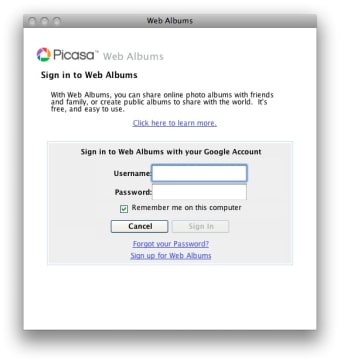
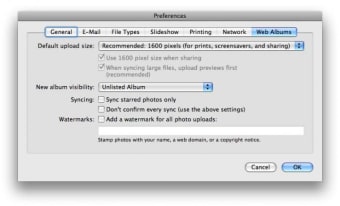
Unfortunately, as of early 2018, the Picasa desktop application has ceased to function online, resulting in the inability to upload or download photos and videos, create online albums, or delete online photos, videos, and albums. However, users can still access their photos and videos through Google Photos. The application Backup and Sync functionalities can be utilized for uploading content to Google Photos. For those who don’t want to make the switch, the archive Picasa Web Albums is made available.
The all-in-one that has it all
Since it can handle the processing of your photos from the point of import to sharing with others, Picasa is ideal for organizing your photo albums, doing the first retouches of your photos, and sharing them with your loved ones. The multimedia software is easy to access, and amateur photographers will appreciate what it can offer especially if they already use other Google services.







.webp)